

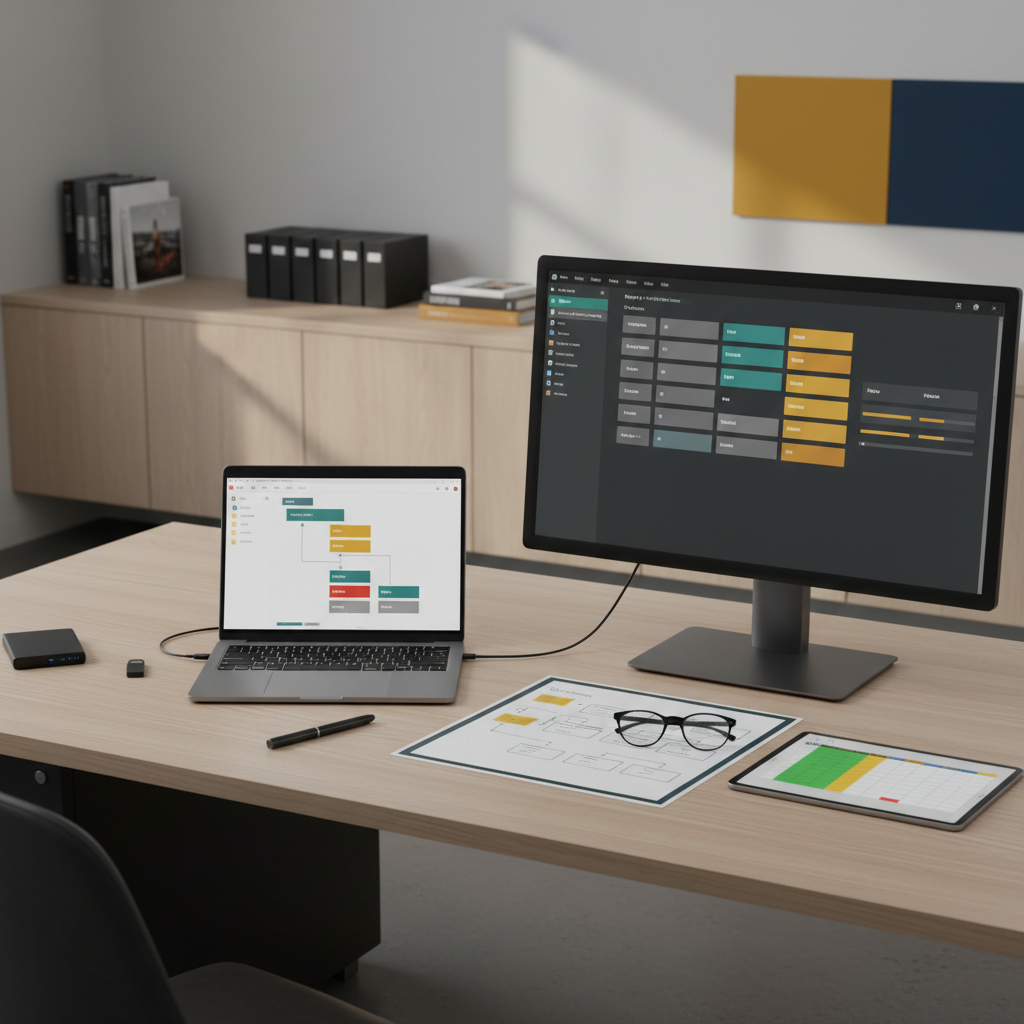

Studio Workflow Automation Pack
Digital systems and process guides for managing editing pipelines and studio efficiency.
What’s Inside
-
⚙️ The “Auto-Pilot” Communication Suite: A collection of pre-written Email Templates for every stage of the client journey. Includes automated responses for inquiries, booking confirmations, “Day Before” reminders, and post-shoot follow-ups to maintain high-touch service with zero manual effort.
-
📂 Standardized File Management System: A robust directory architecture for organizing raw assets and final exports. Learn the “Year-Client-Project” naming convention that ensures you can find any file in seconds, even years later, and prevents accidental data loss.
-
🚀 Post-Production Pipeline Automations: Step-by-step guides for setting up Adobe Lightroom Presets and Photoshop Actions to batch-process repetitive tasks like resizing, color profiling, and watermarking.
-
🚚 Seamless File Delivery & Archiving: A framework for using platforms like Pixieset, WeTransfer, or Dropbox for professional hand-off. Includes a “Long-Term Storage” SOP for migrating projects to NAS or cloud cold storage once the contract is closed.
-
📊 Studio Efficiency Audit Tool: A data-driven spreadsheet to track “Time-Per-Task.” Identify your biggest bottlenecks in the editing or administrative phases and use the “Automation Priority” matrix to decide what to outsource or automate next.
Key Benefits
-
🚀 Reclaim Your Creative Time: By automating the “busy work” of emails and file sorting, you can spend more hours behind the lens or focusing on high-level business strategy.
-
🛡️ Professionalize the Client Experience: Deliver a consistent, polished experience to every client. Automated touchpoints ensure no one “falls through the cracks,” leading to higher referral rates and repeat bookings.
-
📈 Scalable Business Systems: Transition from a “chaos-based” workflow to a repeatable system. This pack allows you to handle double the volume of clients without increasing your personal working hours.
-
✨ Eliminate Human Error: Standardized naming and automated batching reduce the risk of sending the wrong files to a client or losing work due to disorganized folder structures.
-
💰 Increase Profitability: By reducing the time spent on non-billable administrative tasks, your “Effective Hourly Rate” increases, making every shoot more profitable.
Perfect For
-
📸 Freelance Photographers: Individuals feeling overwhelmed by the “back-end” of their business who need a structured system to regain control.
-
🏢 Small Studio Teams: Business owners looking to standardize processes so that assistants or editors can step in and follow a proven “playbook.”
-
🚀 High-Volume Creators: E-commerce or event photographers who handle thousands of files weekly and need high-speed, automated pipelines.
-
🛍️ Creative Entrepreneurs: Small brand owners who manage their own content and need an “Agency-Grade” workflow to stay organized.
-
💻 Digital Organizers: Anyone who appreciates clean, systematic, and automated digital environments.
Format & Delivery
-
📥 Instant Digital Access: Download all guides, templates, and spreadsheets immediately via a secure portal.
-
💾 Multi-Format Templates: Provided in MS Word, Excel, and Notion-ready databases, allowing you to integrate these systems into your existing project management tools.
-
✏️ Step-by-Step Implementation Guide: A “Day 1 to Day 30” plan to transition your studio from manual to automated without disrupting current client work.
-
✨ Lifetime Access + Updates: One-time purchase includes all future updates to the automation guides as new CRM and AI-editing tools enter the market.


Reviews
There are no reviews yet.