
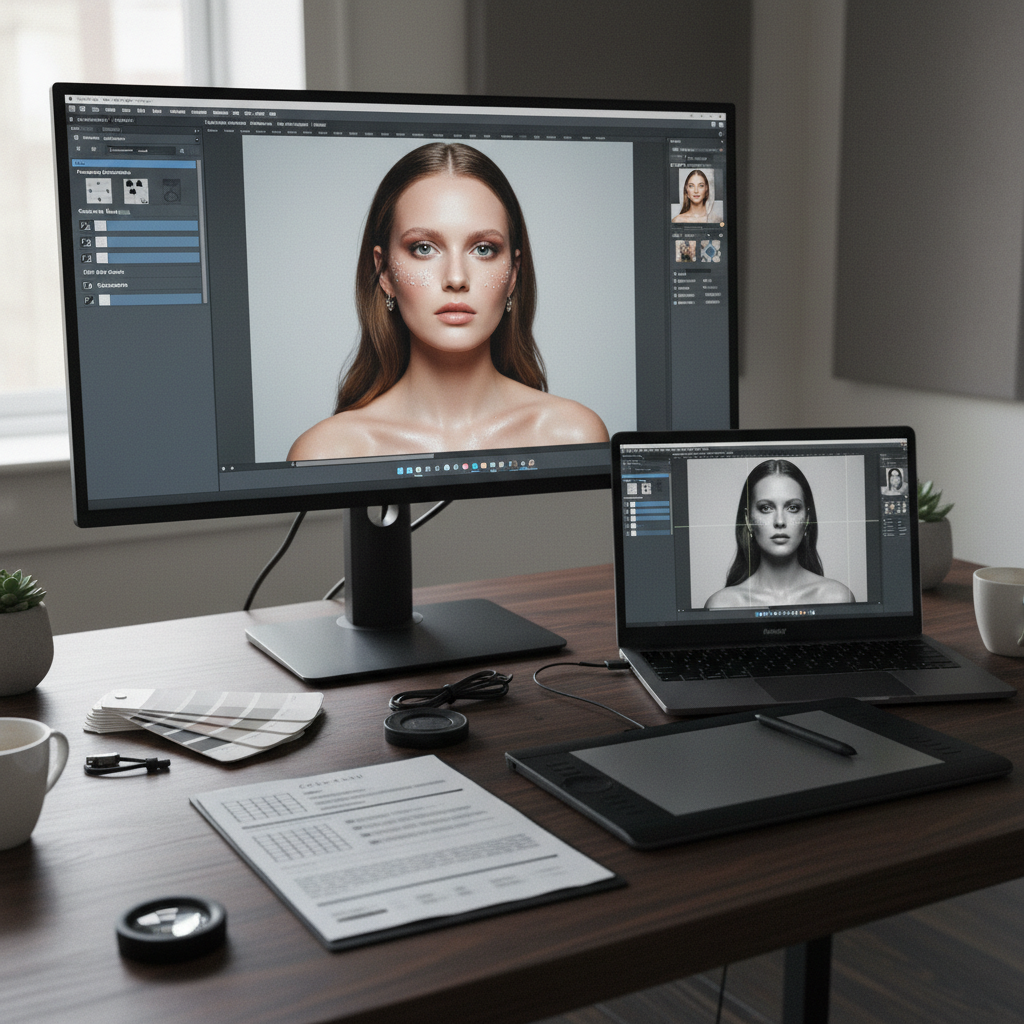
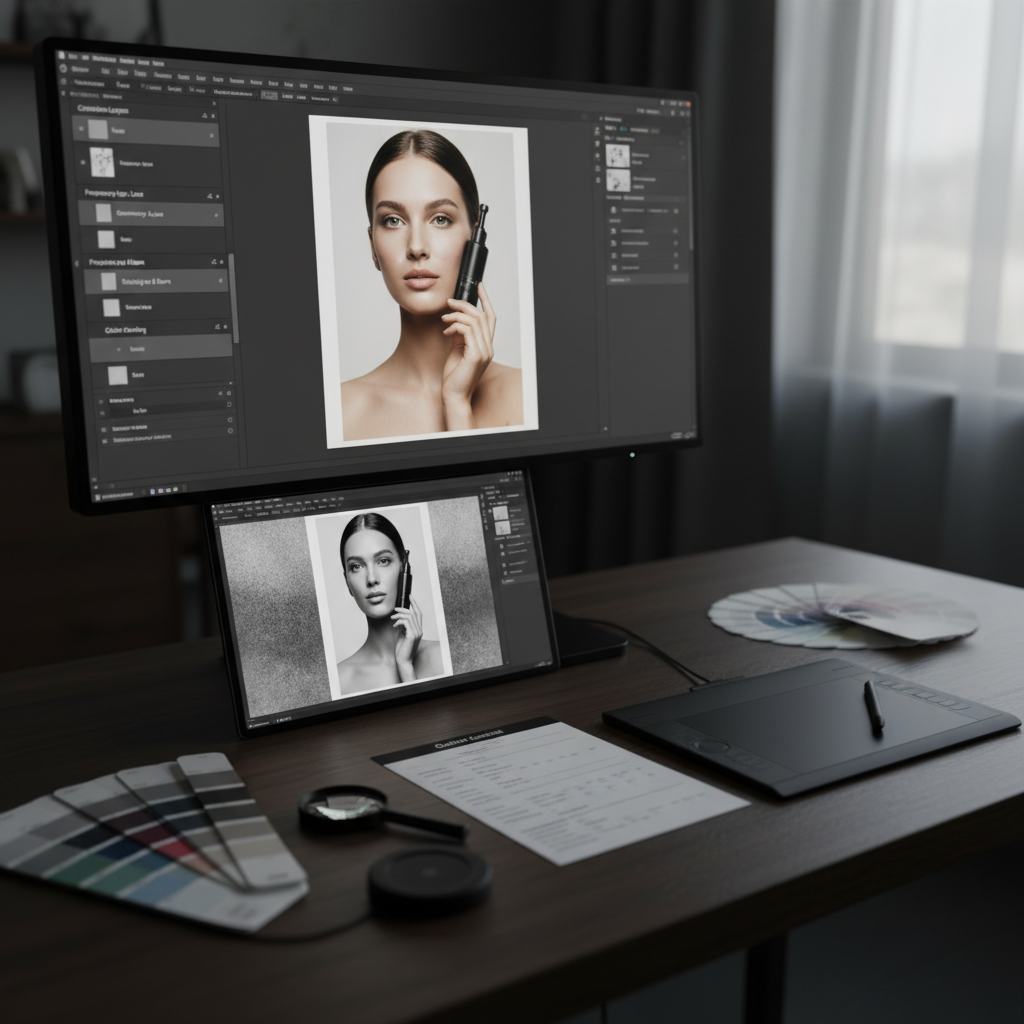
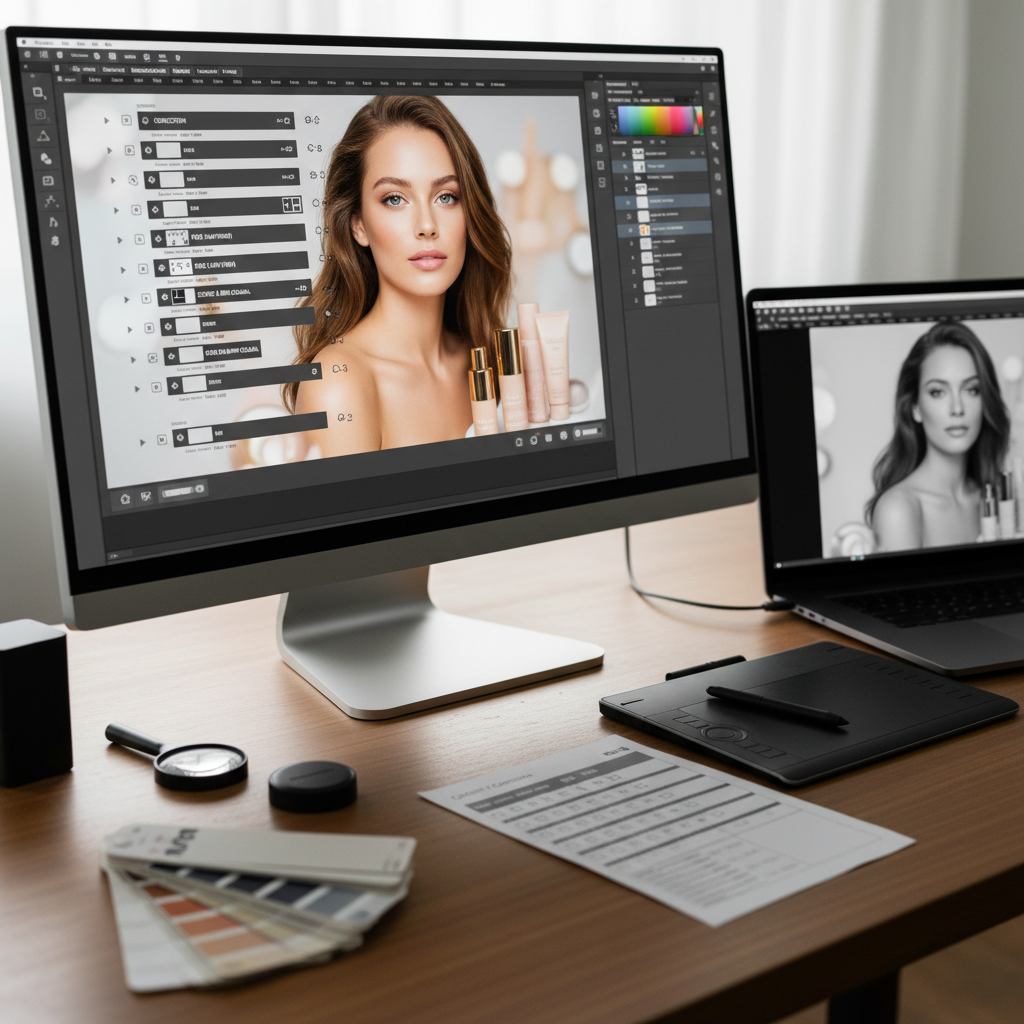
Commercial Retouching Toolkit
Advanced retouching workflow resources and professional quality control processes.
What’s Inside
-
🏗️ Non-Destructive Layer Architecture: A blueprint for organizing complex Photoshop files. Learn the industry-standard “Stack” order: Correction Layers, Frequency Separation (Low/High), Global Dodging & Burning, and Color Grading.
-
🧼 Texture & Surface Mastery: Step-by-step guides for high-end product and beauty retouching. Master Frequency Separation for skin or fabric, and learn the “Inverted High Pass” method for softening while maintaining hyper-realistic detail.
-
🔦 Digital Lighting & Contouring: Advanced Dodge & Burn (D&B) workflows. Includes custom “Helper Layers” (Check Layers) to visualize luminosity and saturation issues that are invisible to the naked eye.
-
🎨 Color Matching & Consistency: Technical frameworks for matching product colors to physical swatches (HEX/Pantone). Includes Selective Color strategies and “Luminosity Masking” for targeted color grading without affecting skin tones or backgrounds.
-
📋 The “Final Polish” QC Checklist: A rigorous quality control document to ensure files are “Press-Ready.” Covers Dust/Scratches removal, Halo checking, Bit-depth verification, and Color Profile (sRGB/Adobe RGB) alignment.
Key Benefits
-
🚀 Professional-Grade Output: Achieve the “seamless” and “perfect” look seen in high-end magazines and billboards by following the same workflows as top-tier retouching houses.
-
⏱️ Drastically Reduce Edit Time: Stop “guessing” your way through a file. Use a standardized layer structure to move through every image with a systematic, predictable approach.
-
🛡️ Future-Proof Your Files: By working non-destructively, you can easily return to any step of the process to make client-requested changes without starting over.
-
✨ Maintain “Natural” Realism: Learn the subtle art of “Cleaning, not Changing”—removing distractions while keeping the authentic character and texture of the subject.
-
📈 Improve Client Trust: Delivering organized, well-named, and technically perfect layered files (TIFF/PSD) positions you as a high-value expert rather than a casual editor.
Perfect For
-
📸 Commercial Photographers: Professionals who want to handle their own high-end post-production to maintain full creative control and increase their margins.
-
🖥️ Aspiring Retouchers: Individuals looking to build a career in professional post-production and needing a rock-solid, enterprise-level workflow.
-
🛍️ E-commerce Creative Teams: In-house editors who need to standardize the “look” of thousands of product images for a consistent website experience.
-
🎨 Art Directors: Visual leaders who need to understand the technical possibilities (and limitations) of retouching to better brief their creative teams.
-
💻 Digital Artists & Compositors: Creators who need advanced masking and blending techniques to integrate multiple elements into a single, believable frame.
Format & Delivery
-
📥 Instant Digital Download: Access all guides and checklists immediately via a secure link.
-
💾 Workflow Templates: Includes a “Master Retouching PSD” with pre-configured, named groups and “Check Layers” ready for you to drop in your own raw files.
-
✏️ Step-by-Step Action Guide: A companion PDF that walks through a full commercial edit from RAW conversion to final export.
-
✨ Lifetime Access + Updates: One-time purchase includes permanent access to the toolkit and all future updates covering new AI-assisted retouching tools and color science.

Reviews
There are no reviews yet.